Form 8621 generator: filing-ready forms from your broker data Open the calculator →
Sign in
Form 8621 · Section 1291

PFIC Calculator & Form 8621 Generator

From your broker statement to filing-ready Forms 8621

If you hold foreign mutual funds or ETFs, every distribution and every sale can carry a PFIC tax that ordinary tax software does not calculate. The PFIC Calculator takes your transactions, works out the excess distributions and the section 1291 tax and interest for every fund and every year, and fills in the official IRS Form 8621 for you.

Built and reviewed by Edward Parsons, CPA
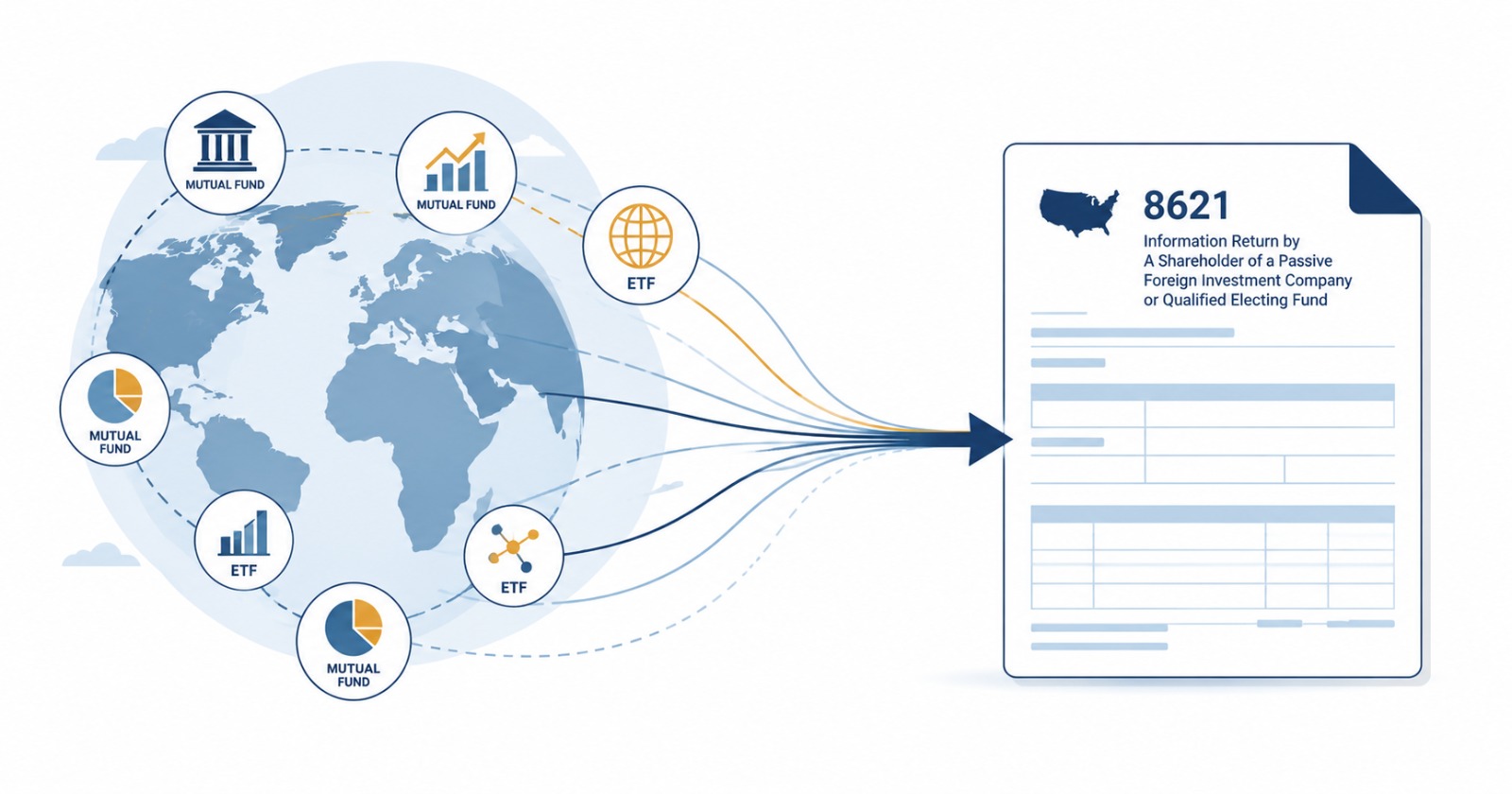
Foreign mutual funds and ETFs flowing into IRS Form 8621, the return for shareholders of a passive foreign investment company.

How It Works

Three steps, and you only pay for what you use.

01 · Add your holdings

Import your broker transactions with the CSV template, paste your tickers, or connect your brokerage. Every fund is tested for PFIC status and you get full workpapers. Priced per fund, per year analyzed.

02 · CPA review Optional

Send your workpapers to a CPA. Your figures are frozen while they are reviewed, so the review covers exactly what you will file.

03 · Print Forms 8621

Download the completed IRS Forms 8621. Each form is paid for once: reprints, and prints after a recalculation, are free.

What the Calculator Works Out

The calculations a preparer would otherwise build by hand in a spreadsheet, for every fund and every year:

PFIC status

Income and asset tests

Each company tested for every fiscal year it was held, on the 75% income test and the 50% asset test. Foreign-domiciled funds are flagged as PFICs, and once a PFIC, the shares stay tainted for the years you keep holding them.

Excess distributions

The 125% test

Every distribution measured against 125% of the prior three years, block by block, with part years annualized and earlier excess distributions taken out of the base, as the rules require.

Section 1291

Deferred tax and interest

Excess distributions and gains spread over your holding period, day by day. Each prior year taxed at that year's top rate, with interest compounded daily: Form 8621 lines 16b to 16f.

Sales and gains

Dispositions, lot by lot

Every sale matched to the lots it came from, so each block's gain is allocated over its own holding period. Losses are reported on their own Part V, as the form requires.

The Form 8621 Generator

When the numbers are ready, the generator fills in the official IRS Form 8621 from them: one form per fund, per tax year, with a Part V for each excess distribution and disposition and the line 16a statement showing how each amount was allocated.

You can download a stack of individual forms, or one PDF per tax year with a cover page that lists what goes on your Form 1040. A report lists anything that could not be filled in, so no field is left blank without a reason.

Workpapers You Can Check

  • Every figure traced. PDF and Markdown workpapers show each test, each allocation and each rate behind the form.
  • Reference IDs kept. Each fund keeps the same reference ID on every year's form.
  • Your SSN is never stored. The identifying number is entered only when you generate the forms and is never saved.
  • Reviewed by a CPA. The calculations are built and checked by Edward Parsons, CPA, with more than 25 years of IRS experience.

Why the Calculation Matters

Under the default PFIC rules, excess distributions and gains are not taxed at capital gains rates. They are spread across every year you held the fund, taxed at the highest ordinary rate for each of those years, and charged interest back to the first year. Getting the allocation, the rates or the interest wrong on Form 8621 is easy to do by hand, and expensive to correct later.

Prefer a CPA to Handle It?

Use the calculator yourself, add the optional CPA review, or have us prepare your Forms 8621 for you.


Frequently Asked Questions

What does the PFIC calculator calculate?
It tests each holding for PFIC status year by year, runs the excess distribution test lot by lot, allocates excess distributions and gains across your holding period under section 1291, and computes the deferred tax and interest that go on Form 8621 Part V.
What does the Form 8621 generator produce?
The official IRS Form 8621, completed from your figures: one form per fund per tax year, with a Part V for each excess distribution and disposition and the supporting line 16a statement, plus a year summary showing what goes on your Form 1040.
What data do I need?
Your transactions for each fund: purchases, sales, distributions and any corporate actions. You can import a broker CSV using the template, paste tickers, or connect a brokerage. Year-end prices and exchange rates are fetched for you.
Does it handle foreign currency?
Yes. The excess distribution test runs in the fund's currency, as the rules require, and only the excess is translated to US dollars. Each transaction is converted at its own date's rate.
Does it handle QEF or mark-to-market elections?
The calculator covers the default section 1291 regime, which applies when no election was made. If you made, or want to make, a QEF or mark-to-market election, book a consultation and we will review it with you.
Do I need a CPA to use it?
No. You can run the calculations and print the forms yourself. The optional CPA review is there if you want a professional to check your workpapers before you file.
Is my Social Security number stored?
No. The identifying number is entered only when you generate the forms, is used for that download, and is never saved.
What if I have unfiled years?
The calculator works year by year, so it can prepare earlier years as well as the current one. Catching up on unfiled years has its own options, so a consultation is the best first step if several years are missing.
Open the PFIC Calculator. Reviewed by Edward Parsons, CPA, with 25+ years of IRS experience.